
AI calving monitoring
Never miss a birth again
Calveye watches every camera, around the clock. The moment a cow starts calving, you get an instant push notification and a snapshot — wherever you are.
Free during early access.
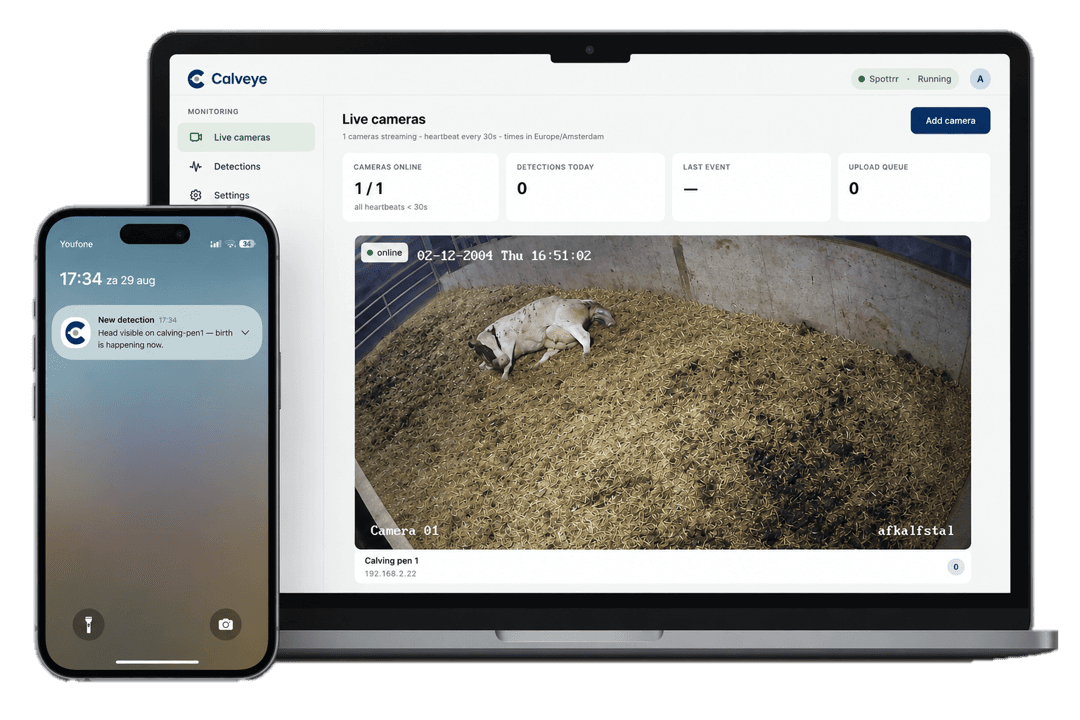
Built for the farm,
not the office.
Use your existing cameras, install the app on your farm PC, and Calveye handles the rest — watching every camera, every hour, so you don't have to.
See how it works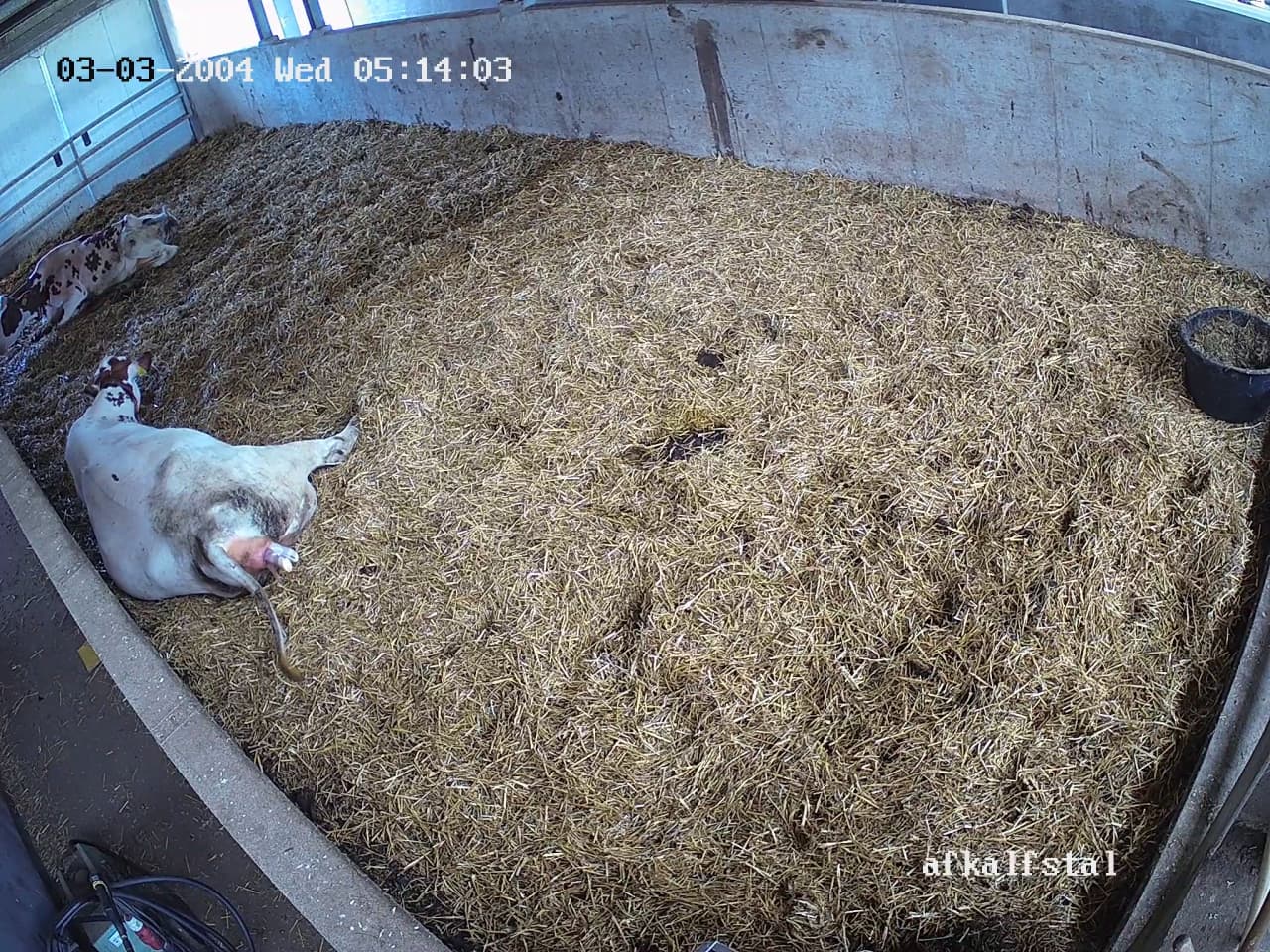
Continuous monitoring
- Runs 24/7 on your farm PC
- Every camera analysed in real time
- No missing calving events, even when you're away
Any camera
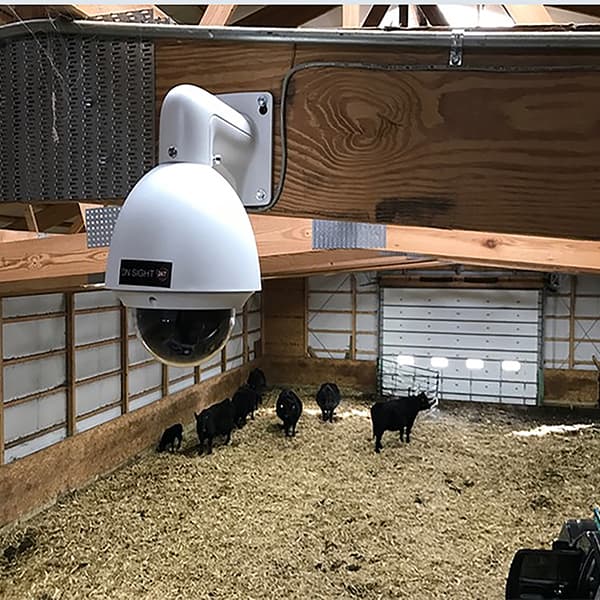
- Works with almost all farm cameras
- Supports major brands out of the box
- No proprietary hardware needed

Instant notifications
- Push notification the moment calving is starting
- Camera snapshot included with every alert
- All linked phones notified simultaneously
Runs on your hardware
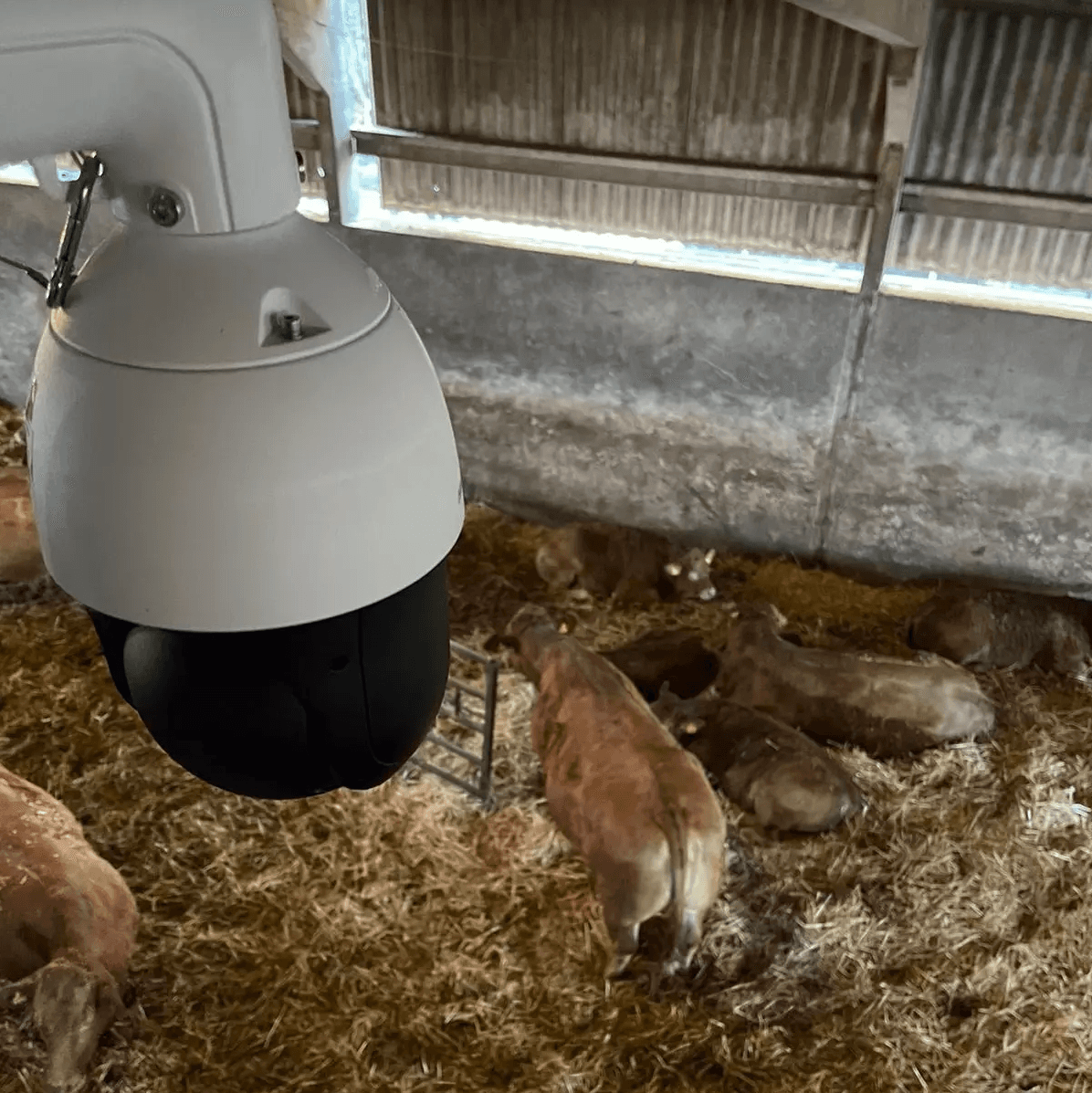
The monitoring engine runs entirely on your farm PC. A model analyses each frame locally, then the result is sent securely to your phone as a notification.
Up and running in minutes
Install the Windows app
Download and run the installer on your farm PC. It includes both the desktop app and the AI monitoring engine.
Connect your cameras
Calveye scans your local network for cameras automatically. If yours doesn't appear, add it manually using its stream address.
Install the mobile app
Download the Calveye app from the App Store or Google Play, sign in with the same account, and allow push notifications.
You're covered
Calveye monitors everything automatically. You'll receive a notification with a snapshot the moment calving activity is spotted.
Computer vision built for the barn.
An AI model analyses video from each camera in real time. When it identifies the behavioural signs of calving, it triggers an immediate alert — with a snapshot from that moment.
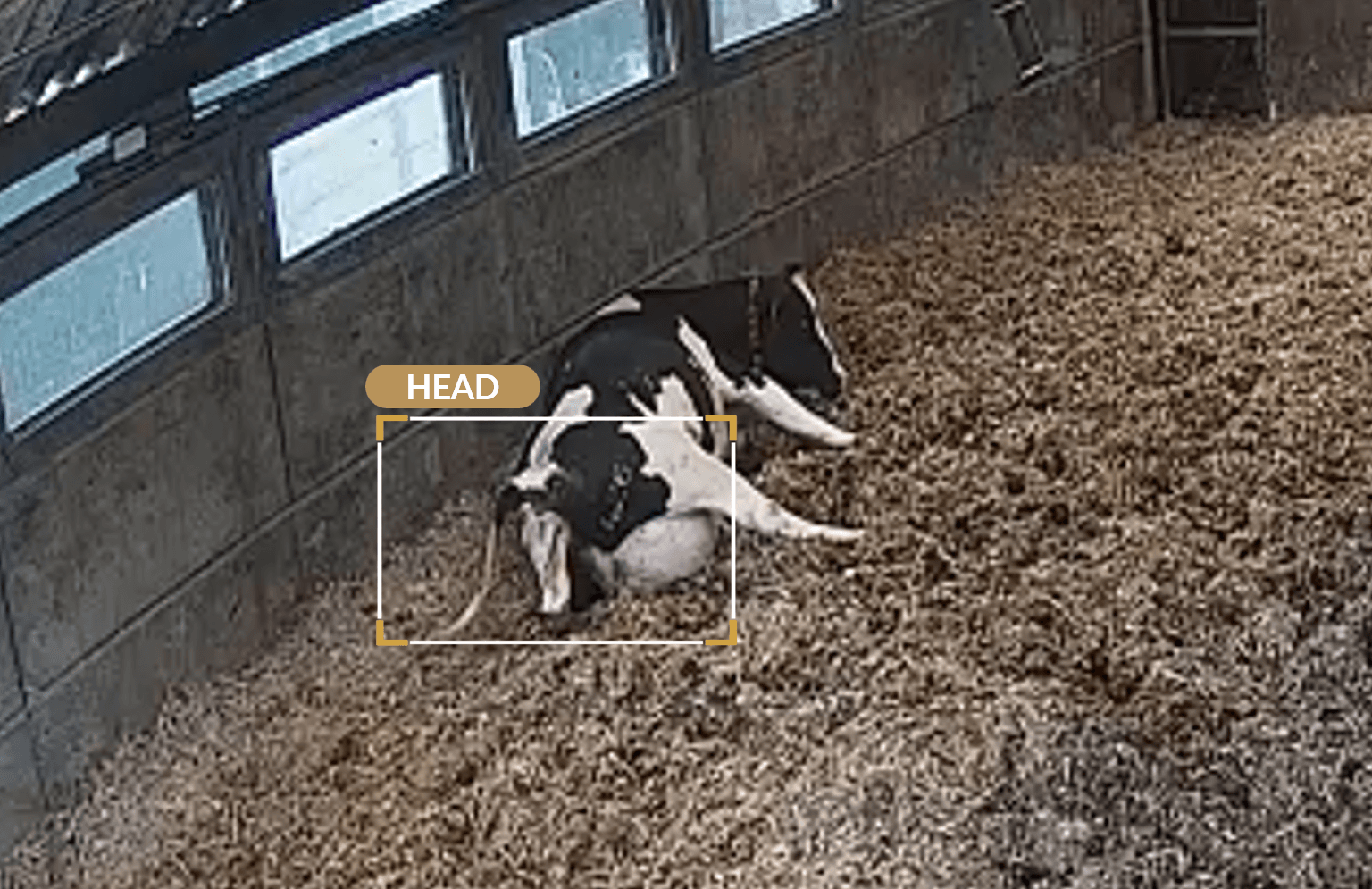
Every stage,
instantly recognised.
Calveye identifies calving behaviour frame by frame — from the first sign of hooves to a safe delivery. An alert fires the moment Calveye is confident, with a snapshot attached.
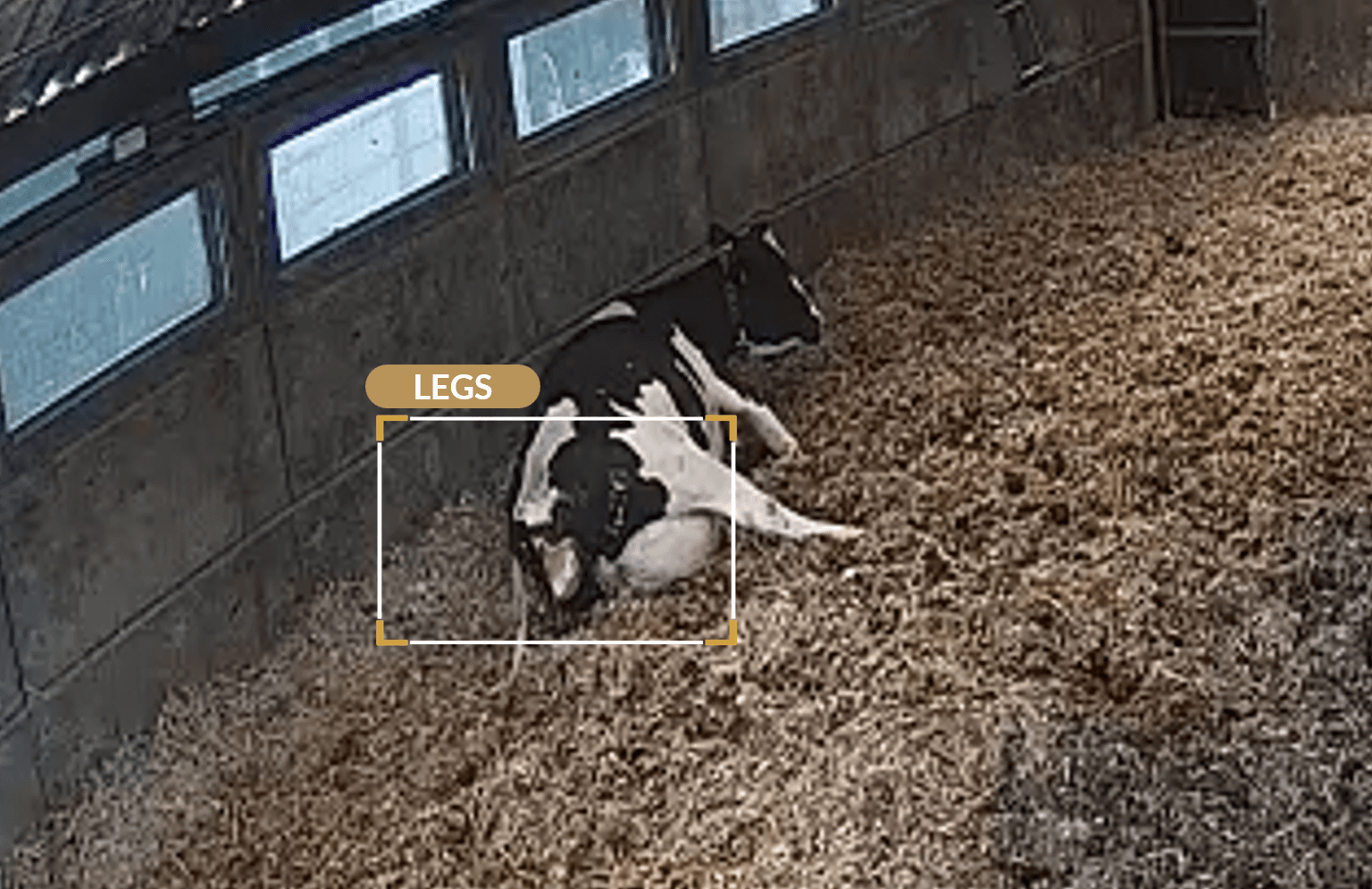
Legs visible
The first sign of calving. Hooves appear in frame, triggering initial detection.
Head visible
The calf's head emerges. An new alert is fired to your phone.
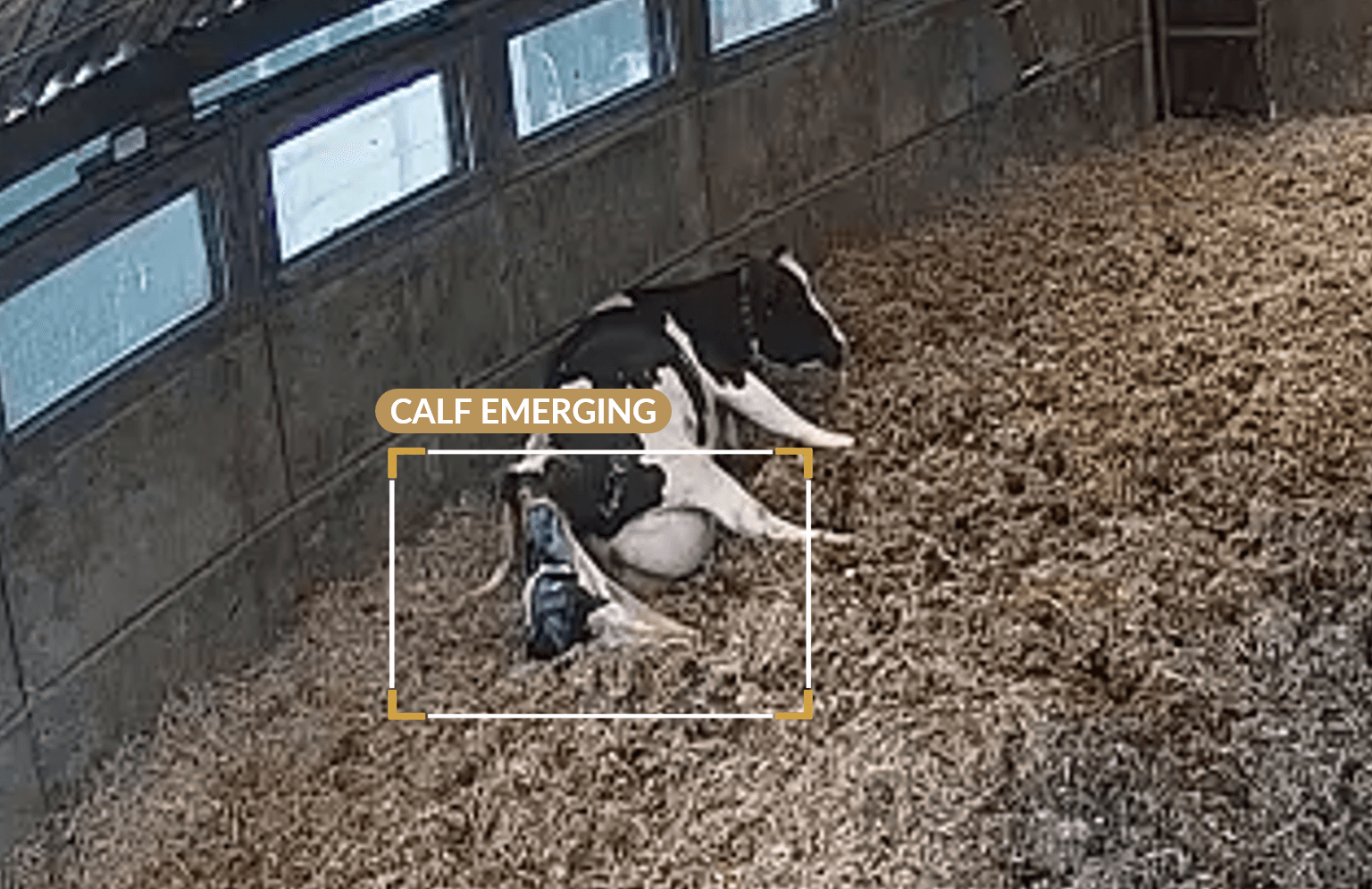
Calf emerging
Active delivery underway. The calf's body is visible.
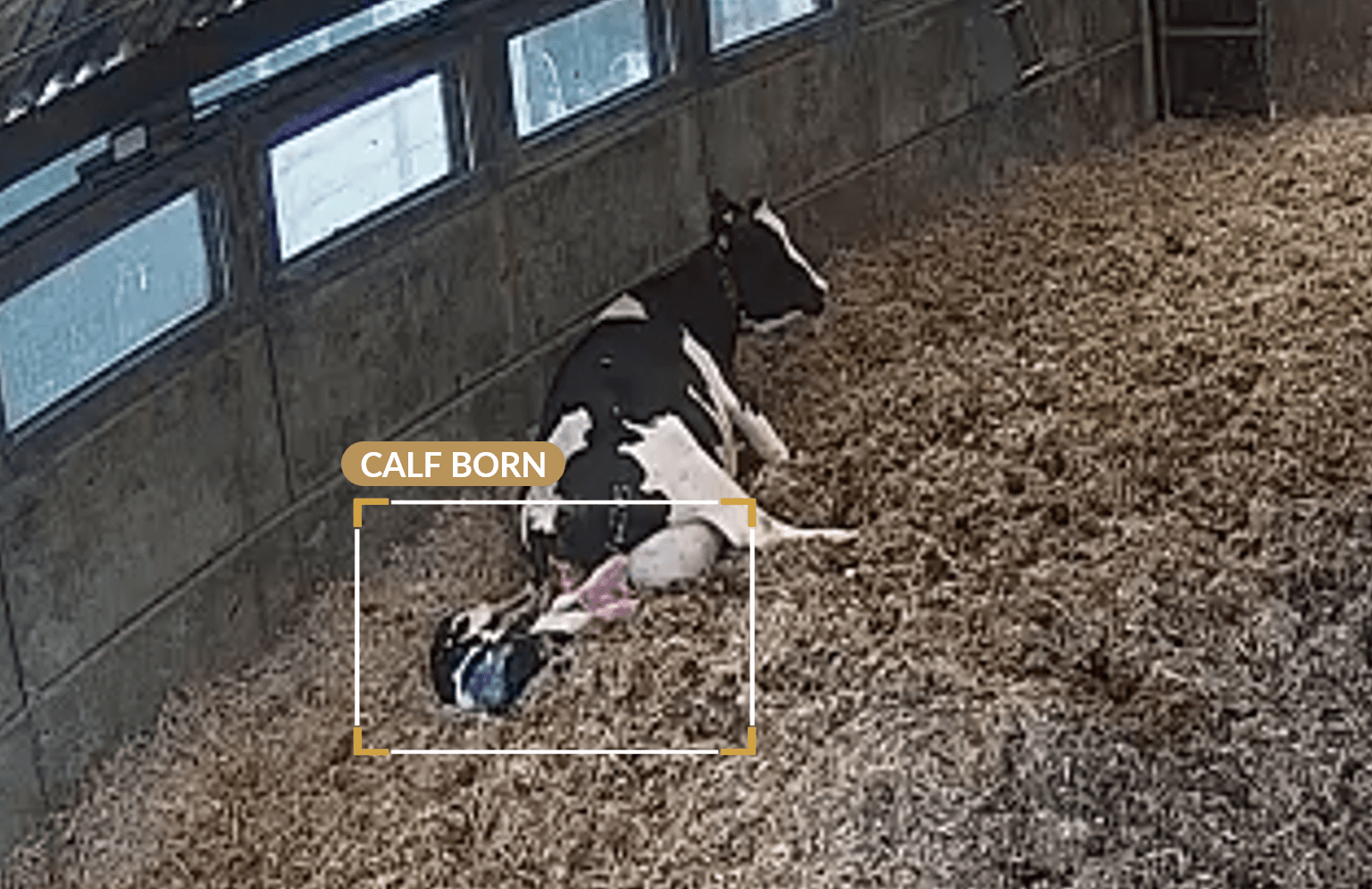
Calf born
Calf is alive, birth complete.
Early access
Be there for every birth.
Free during early access
Mobile app available on